
All your outings are on Strava. And nowhere else?
Years of tracks, climbing and photos, stored in a single account. Here is how to keep a copy at home in a few clicks, and how to put your best outings on paper.
The preview is free.
Why keep a copy
Strava takes good care of your data. But your account can still slip away from you:
The deleted account
One fed-up evening, you delete your account. Or you close it thinking you will reopen it later. Once deleted, it does not come back.
Lost access
The account email no longer exists, the password is forgotten, the login phone has changed. The outings are there, just not for you.
Rules that change
An app can change what is free, what it keeps, what it shares. That is its right. Your own copy does not change.
None of this is a disaster waiting to happen. It is just common sense: what matters to you deserves a copy that depends only on you.
Why a book on top of the archive
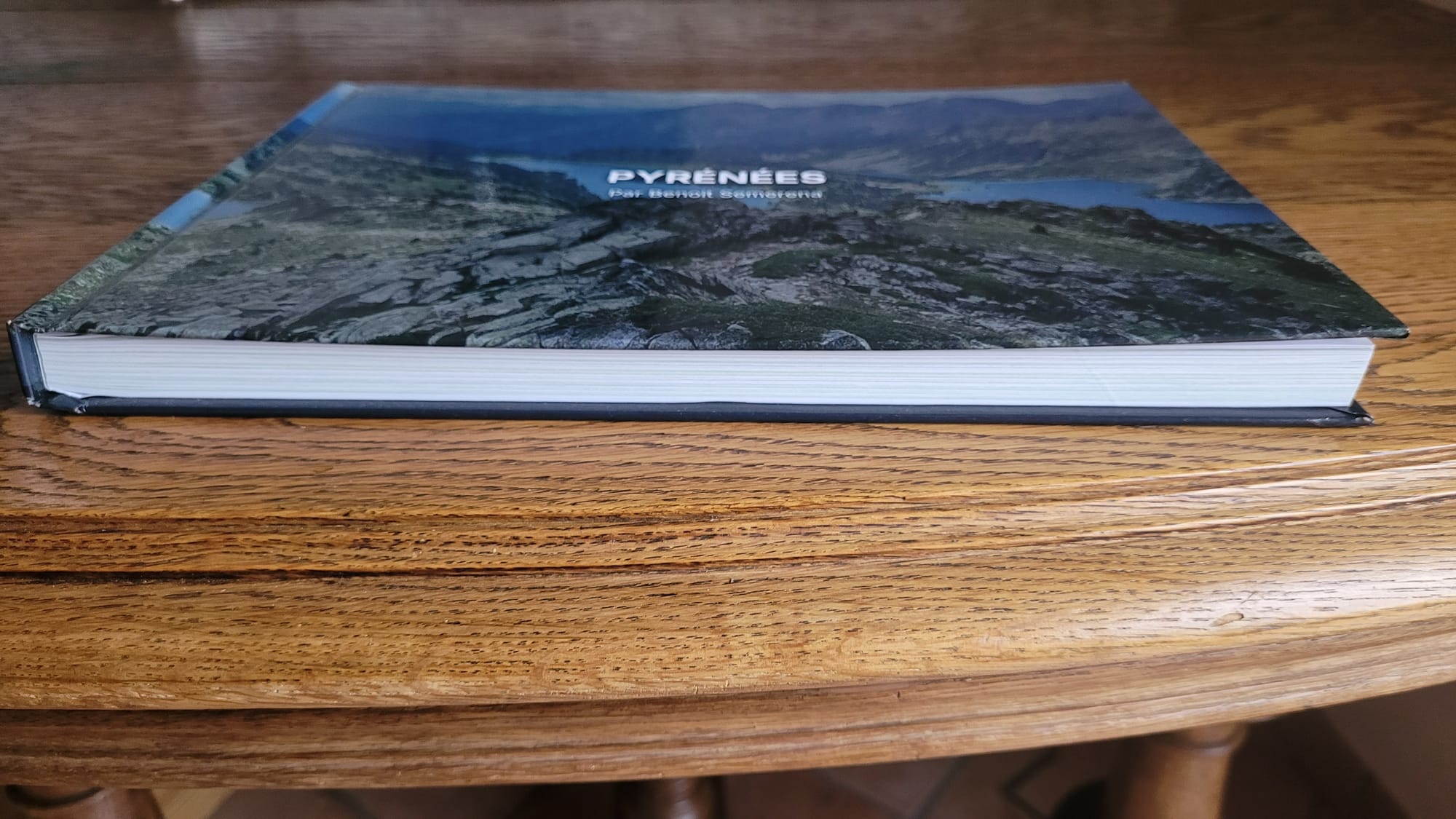
Nobody can delete it
No account, no password, no terms that change. The book sits on your shelf.
No app needed
A Strava archive is technical files. A book simply opens.
Every outing gets its page
The map, the profile, the distance, the climbing, your photos and your words. What Strava shows small, shown big.
You can pass it on
Your kids will never log into your Strava. Your book, they will open.
In 3 steps
- 1
Connect Strava
Your outings come in on their own, even those from years ago.
- 2
Pick your outings
A season, a trip, ten years of memories. Add your photos and a few words.
- 3
Check the preview
Free, page by page. Only order if you like it.