
Instagram photos
Your best mountain photos are on Instagram. Put them in a book.
Instagram does not let any app read your photos. But you can download them all in one file. Drop it on AdvenBook: each photo joins the outing from the same day, with its map and its climbing.
The preview is free.
A feed scrolls away. A book stays.
Download your Instagram photos
- 1In Instagram, open your profile, tap the ☰ menu, then "Accounts Center".
- 2Tap "Your information and permissions", then "Export your information".
- 3Tap "Create export", pick your account, then "Export to device".
- 4Choose the date range "All time", then tap "Start export".
- 5When Instagram emails you, download the .zip file and drop it here as it is.
Menu names vary a little between app versions. The file arrives by email, usually within minutes, sometimes longer.
Why get your photos out of Instagram
Instagram is made for sharing today, not for keeping twenty years from now:
The lost account
A hacked account, a forgotten password, an email address that no longer exists: the photos are still there, just not for you.
Photos you cannot find
Finding that summit photo from four years ago means minutes of scrolling. In a book, it is on its page.
Sorted by posting date
Instagram sorts your photos by when you posted them, with no track, no climbing, no story of the day.
None of this matters while all is well. But your memories deserve a copy that depends only on you.
What each photo becomes in the book
- Nobody can delete it
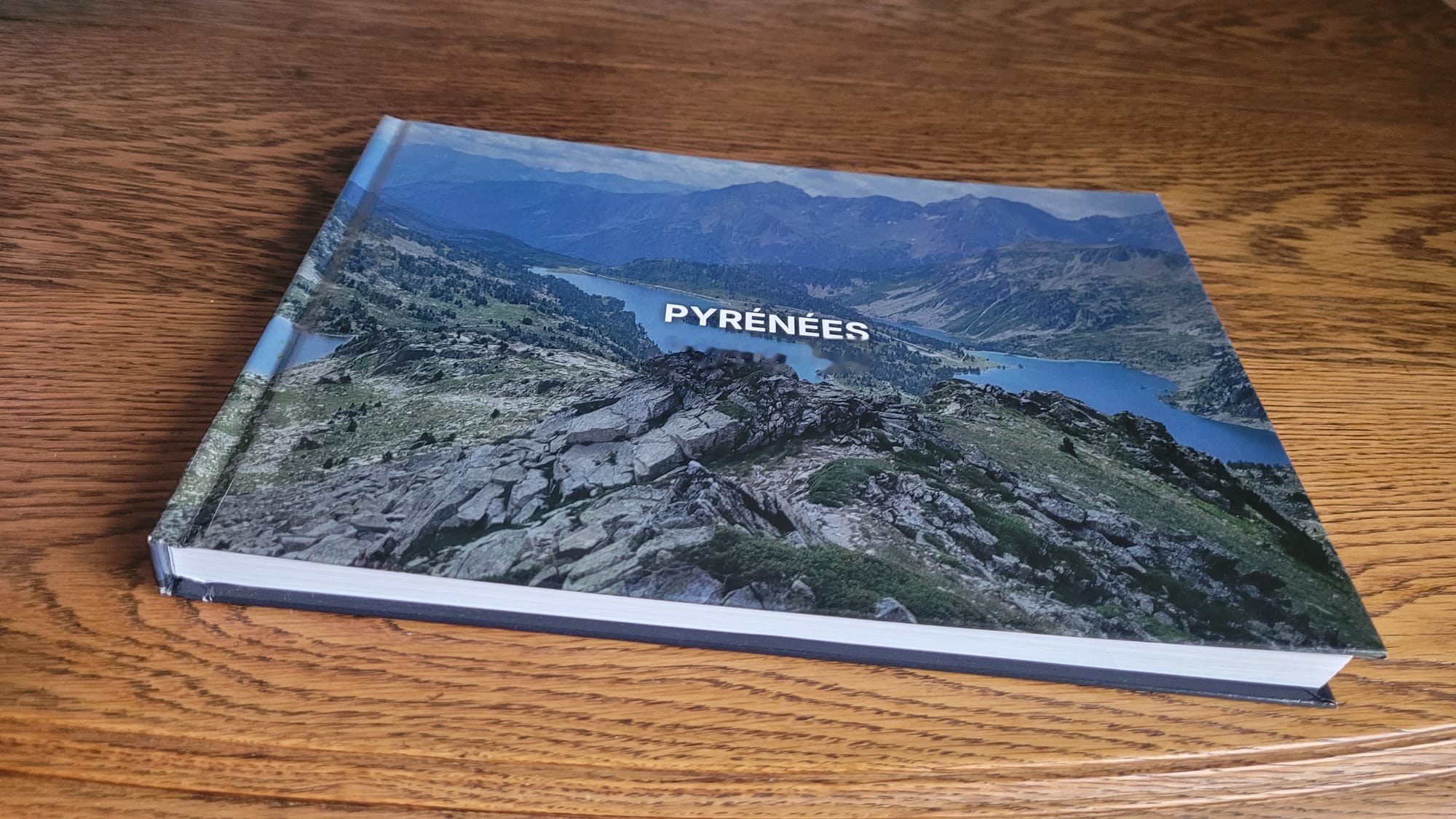
- No account, no password, no rules that change. The book sits on your shelf.
- With the right outing
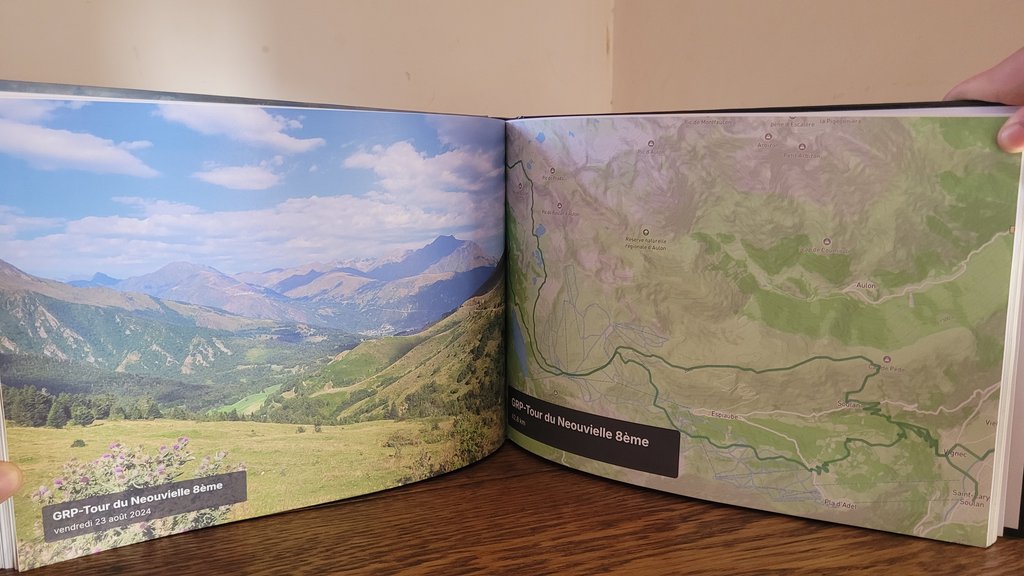
- Each photo joins the outing from the same day: the route map, the profile, the distance, the climbing.
- A page per adventure
- Your Instagram photos, those from your phone, and your words. What used to scroll becomes a story.
- You can pass it on
- Your kids will not scroll through your account. Your book, they will open.
In 3 steps
- 1
Add your outings
Connect Strava (or upload your GPX files): your outings come in, even old ones.
- 2
Drop your Instagram file
In "Import" then "Instagram photos". Each photo joins the outing from the same day.
- 3
Check the preview
Free, page by page. Only order if you like it.
From €39 as a notebook, €45 as a hardcover. Free delivery to over 190 countries.
Proud or refunded, and you keep the book (30 days).
Frequently asked questions
How do I download all my Instagram photos?
In Instagram: profile, ☰ menu, "Accounts Center", "Your information and permissions", "Export your information", "Create export", your account, "Export to device". Choose "All time", then "Start export". Instagram sends you a .zip file: drop it on AdvenBook as it is, without opening it.
How long until I get the file?
Usually a few minutes, sometimes longer if you have many posts. Instagram lets you know by email or notification. The link stays valid for a few days: download the file as soon as it arrives.
Why does AdvenBook not connect to Instagram directly?
Since December 4, 2024, Meta no longer lets apps read the photos of a personal Instagram account. The export file is the only way that works for everyone. It is read on your device: only the photos you choose are uploaded.
Is the quality good enough to print?
Instagram keeps your photos at 1080 pixels wide. That is great for small and medium photos in the book, a little less sharp full page. For a full-page photo, use the original from your phone.
How do photos find the right outing?
By date. A photo taken on the day of an outing joins that outing. A photo posted one to three days later is offered with the outing before, and you check. Photos with no outing that day are left aside.