
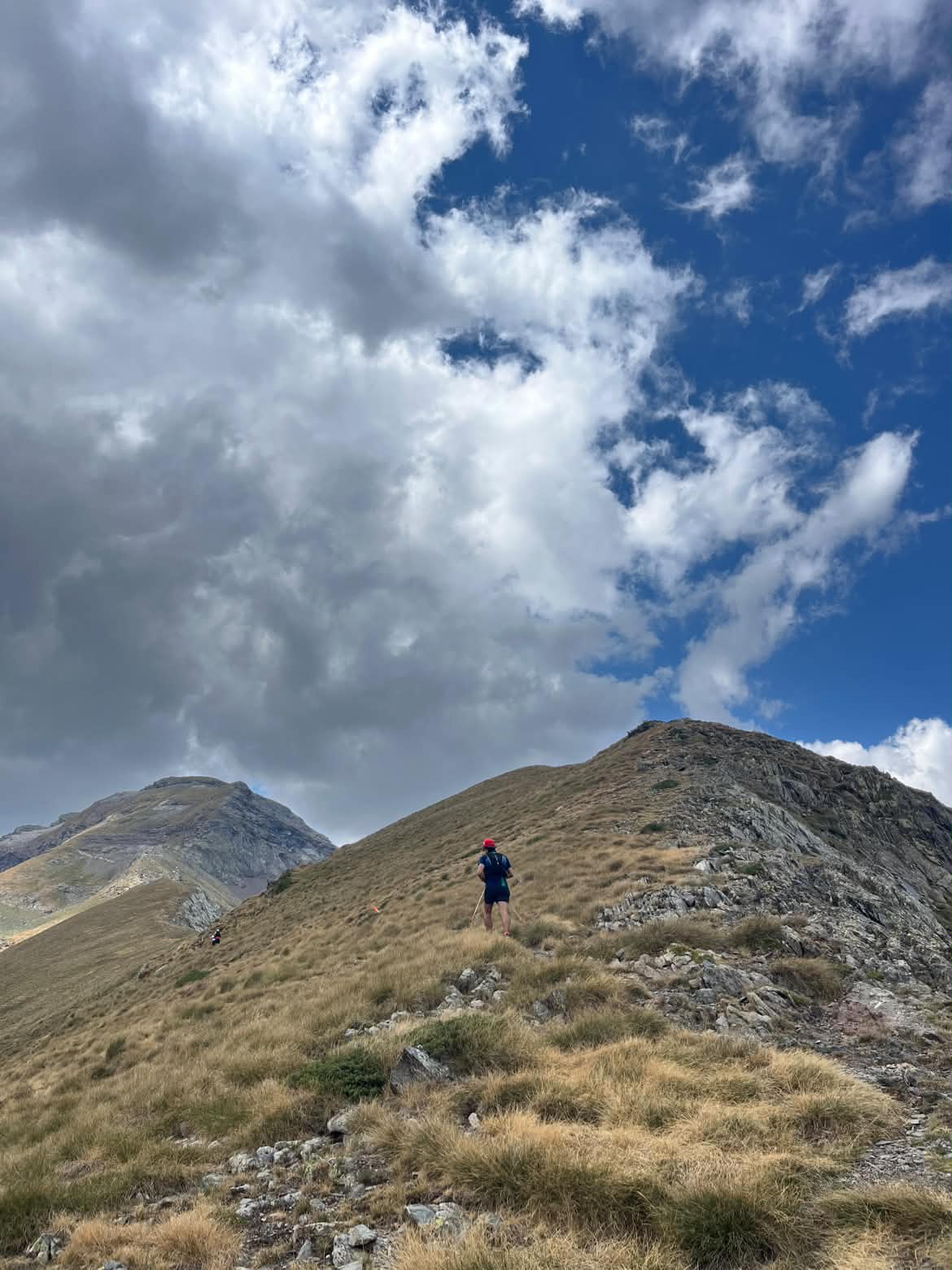
Garmin book
Your Garmin watch recorded everything. Time to make it a book.
Years of outings are sleeping in Garmin Connect. AdvenBook reads the archive Garmin sends you and lays out every outing: the route map, the profile, the distance, the climbing, your photos and your words.
The preview is free, no card needed.
A watch counts the miles. A book tells the days.
How to import all your Garmin activities
- 1On a computer, open the "Data Management" page of your Garmin account and sign in.
- 2Choose "Export Your Data", then "Request Data Export".
- 3Garmin emails you a link, usually within 48 hours. Download the .zip file before it expires.
- 4On AdvenBook, open "Import" then "Garmin archive", and drop the .zip as it is.
- 5Your outings appear by year: tick the ones that go in the book.
The file is read on your device: only the outings you choose are uploaded. Already linked Garmin to Strava? Connecting Strava works too.
3 ways to bring in your Garmin outings
Pick the one that suits you:
The Garmin archive
Your whole history at once, since your first watch, even without a Strava account. The most complete.
Through Strava
If your Garmin account already sends your outings to Strava, connect Strava: it is instant.
File by file
For a single outing: export it as GPX from Garmin Connect and drop the file.
In all three cases, AdvenBook reads the original track from your watch: the real distance, the real climbing, the real route.
What each Garmin outing becomes
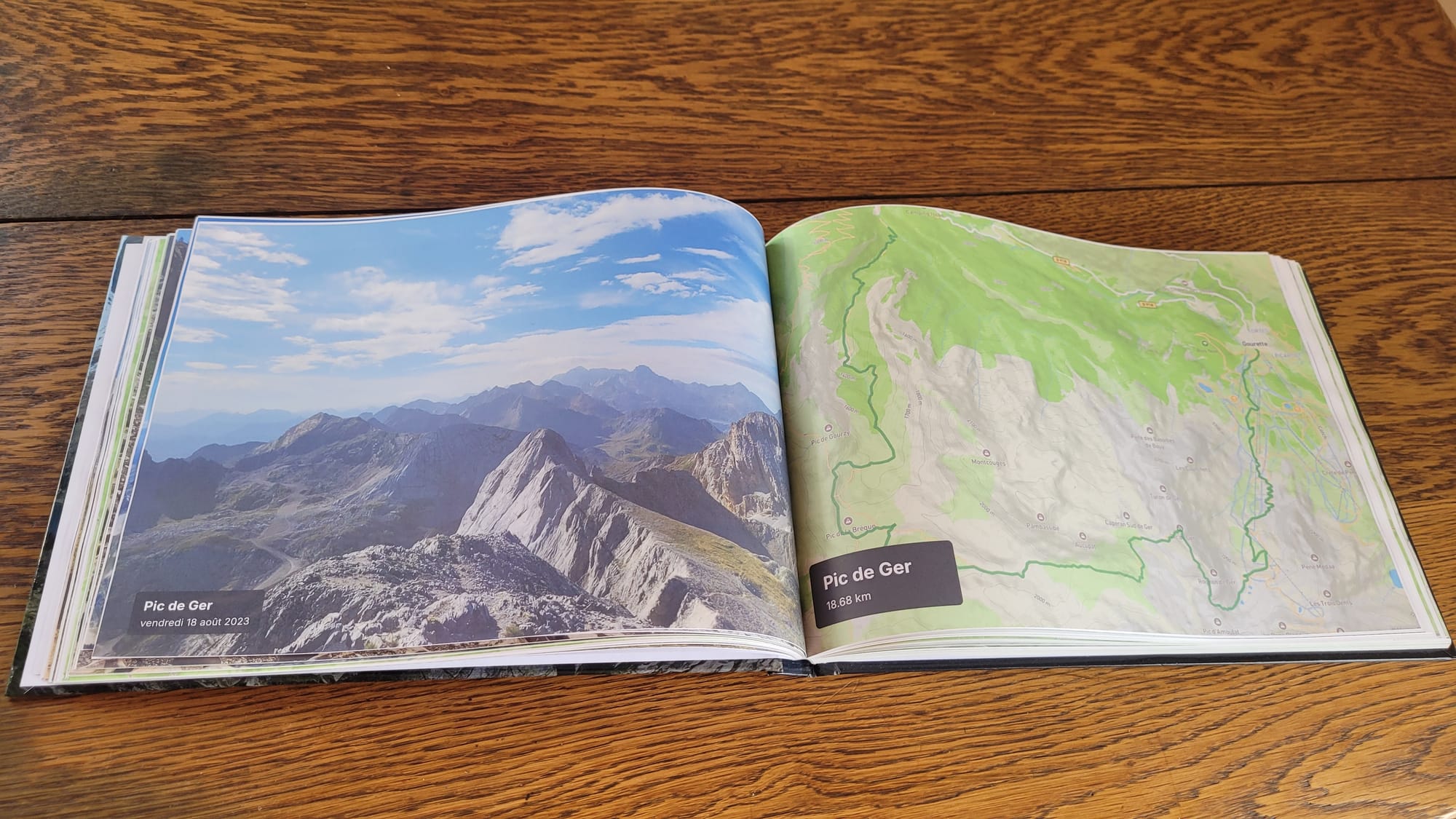
- The route map
- Your GPS track, drawn on a real map, with start and finish.
- The profile and numbers
- Distance, climbing, time: the ones your watch measured.
- Your photos and words
- They join the right outing by their date. Add a line or a page of story.
- Your best outings spotted
- The longest, the highest, your races: AdvenBook suggests them first.
In 3 steps
- 1
Import your outings
Garmin archive, Strava or GPX.
- 2
Choose
A season, a year, a training block, ten years of mountains.
- 3
Check the preview
Free, page by page. Only order if you like it.
From €39 as a notebook, €45 as a hardcover. Free delivery to over 190 countries.
Proud or refunded, and you keep the book (30 days).
Frequently asked questions
Can you print your Garmin Connect activities?
Yes. Garmin Connect does not print books, but it lets you export all your data. AdvenBook reads that export and lays out every outing (map, profile, numbers, photos), then prints a real bound book.
How do I export all my Garmin data?
On garmin.com, in your account: "Data Management", "Export Your Data", "Request Data Export". Garmin emails a link, usually within 48 hours, sometimes longer for a very large account. The link expires: download the .zip quickly.
Do I need a Strava account?
No. The Garmin archive is enough. If your outings are already on Strava, you can also just connect Strava.
Is my data uploaded?
The archive is read on your device. Only the outings you tick are sent to AdvenBook, to make your book.
Is AdvenBook a Garmin product?
No. AdvenBook is an independent service that reads the files Garmin lets you export. Garmin is a trademark of Garmin Ltd.