
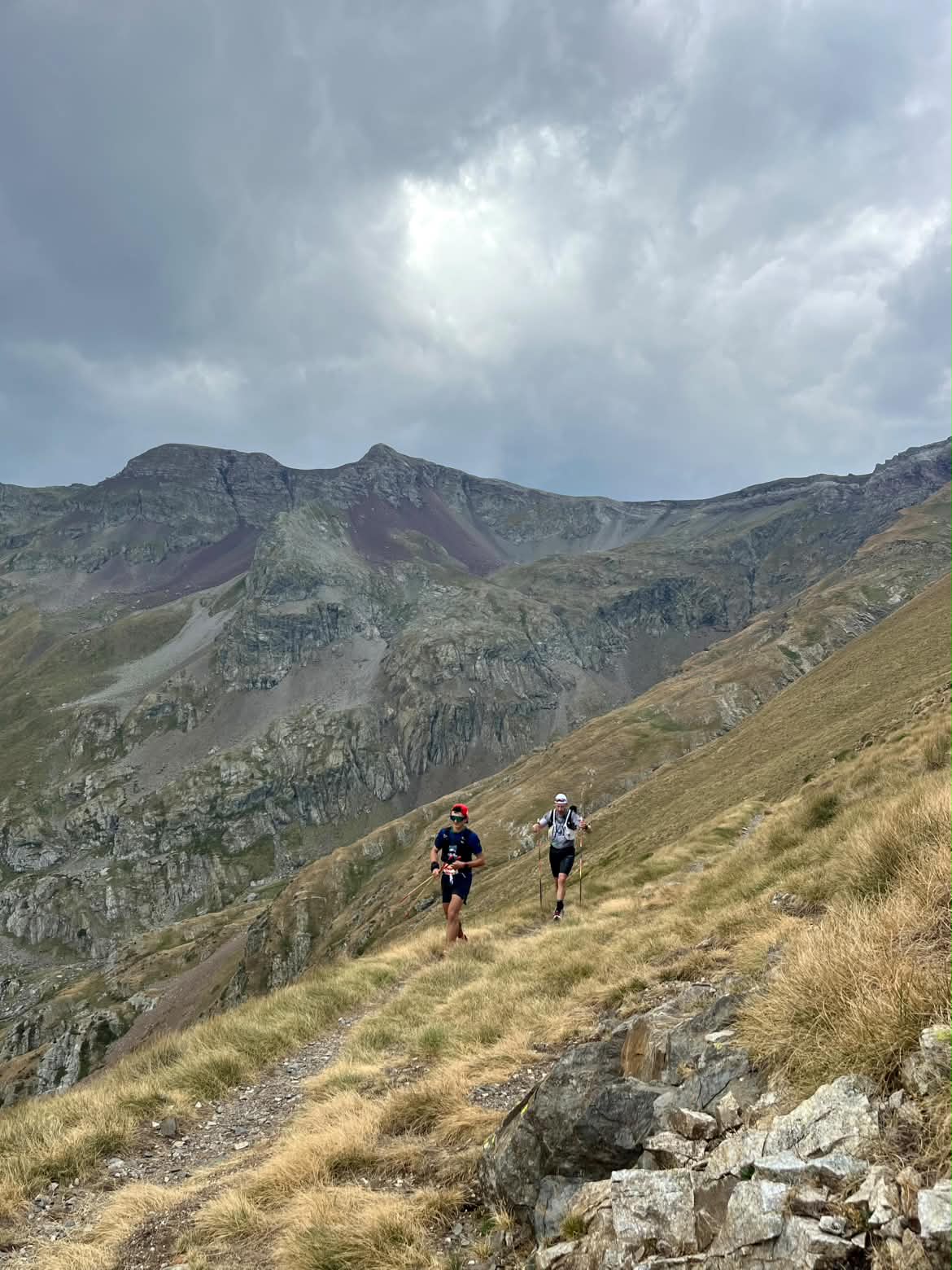
WhatsApp photos
The best photos of you are in the WhatsApp group. Put them in the book.
You shoot the views, your friends shoot you. Those photos land in the outing's group and get lost under the messages. AdvenBook puts them with the right outing, next to the map and the climbing.
The preview is free, no card needed.
A chat scrolls away. A book stays open on the right page.
Export the photos of a WhatsApp chat
- 1On iPhone: Open the chat (or group) of the outing.
- 2On iPhone: Tap its name at the top, scroll to the bottom and tap "Export Chat".
- 3On iPhone: Choose "Attach Media", then "Save to Files" (or email it to yourself).
- 4On iPhone: Drop the .zip file here as it is.
- 5On Android: Easiest: tap the area below and pick the photos from the "WhatsApp Images" folder (you can pick several).
- 6On Android: Or: in the chat, ⋮ menu, "More", "Export chat", "Include media", then drop the photos you received here.
WhatsApp only exports photos still on your phone, and only the most recent messages of a very long chat.
Why go through WhatsApp
Because that is where the missing photos are:
The ones you are in
Your phone mostly holds what you saw. The others took the rest: you, on the summit.
The group ones
The finish photo, the aid station, everyone's face at the pass: they were all sent that evening.
The ones that get lost
Under hundreds of messages, nobody finds them again. In the book, they are on their page.
WhatsApp removes the shooting date and place from the photos it sends. AdvenBook sorts them by the day they were sent: those sent one to three days after the outing are suggested for you to check.
What these photos become
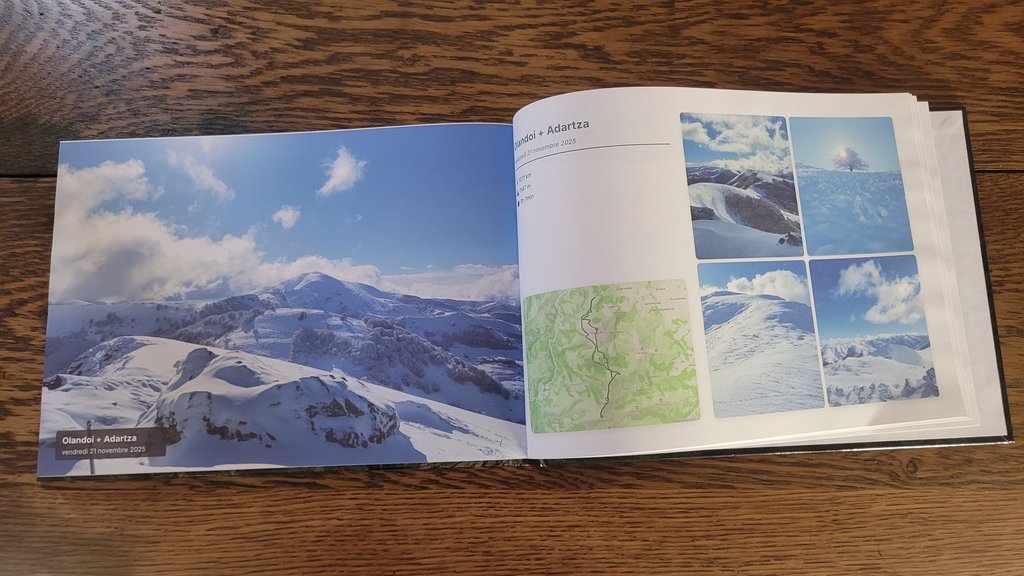
- With the right outing
- The summit photo joins the outing of the day, its map and its climbing.
- With your own
- Your friends' photos next to those from your phone, Instagram or Google Photos.
- Chosen by you
- You tick which outings get their photos. Messages are never read.
- A book for the whole group
- The weekend with friends, the team trail race, the traverse: a book everyone will want.
In 3 steps
- 1
Import your outings
Strava, Garmin or GPX.
- 2
Add the WhatsApp photos
The chat .zip (iPhone) or the photos of the WhatsApp folder (Android).
- 3
Check the preview
Free, page by page. Only order if you like it.
From €39 as a notebook, €45 as a hardcover. Free delivery to over 190 countries.
Proud or refunded, and you keep the book (30 days).
Frequently asked questions
How do I get all the photos from a WhatsApp group?
On iPhone: open the group, tap its name, then "Export Chat" and "Attach Media"; save the .zip. On Android, the easiest is to pick the photos from the "WhatsApp Images" folder on your phone. Then drop the .zip or the photos on AdvenBook.
Are the messages read or uploaded?
No. Everything is read on your device. Only the photos you choose are uploaded, for the book. The chat text is never read.
Why are some photos "sent later"?
WhatsApp removes the shooting date. AdvenBook relies on the day it was sent: a photo sent the day after the outing is suggested for it, and you check.
Is the quality good enough for printing?
WhatsApp shrinks the photos it sends. They look great small and medium-size in the book, less sharp full-page. For a full page, ask the person who took it for the original.
Do I need my friends' permission?
It is better: they are their photos. A message in the group is enough, and they will often want the book too.