
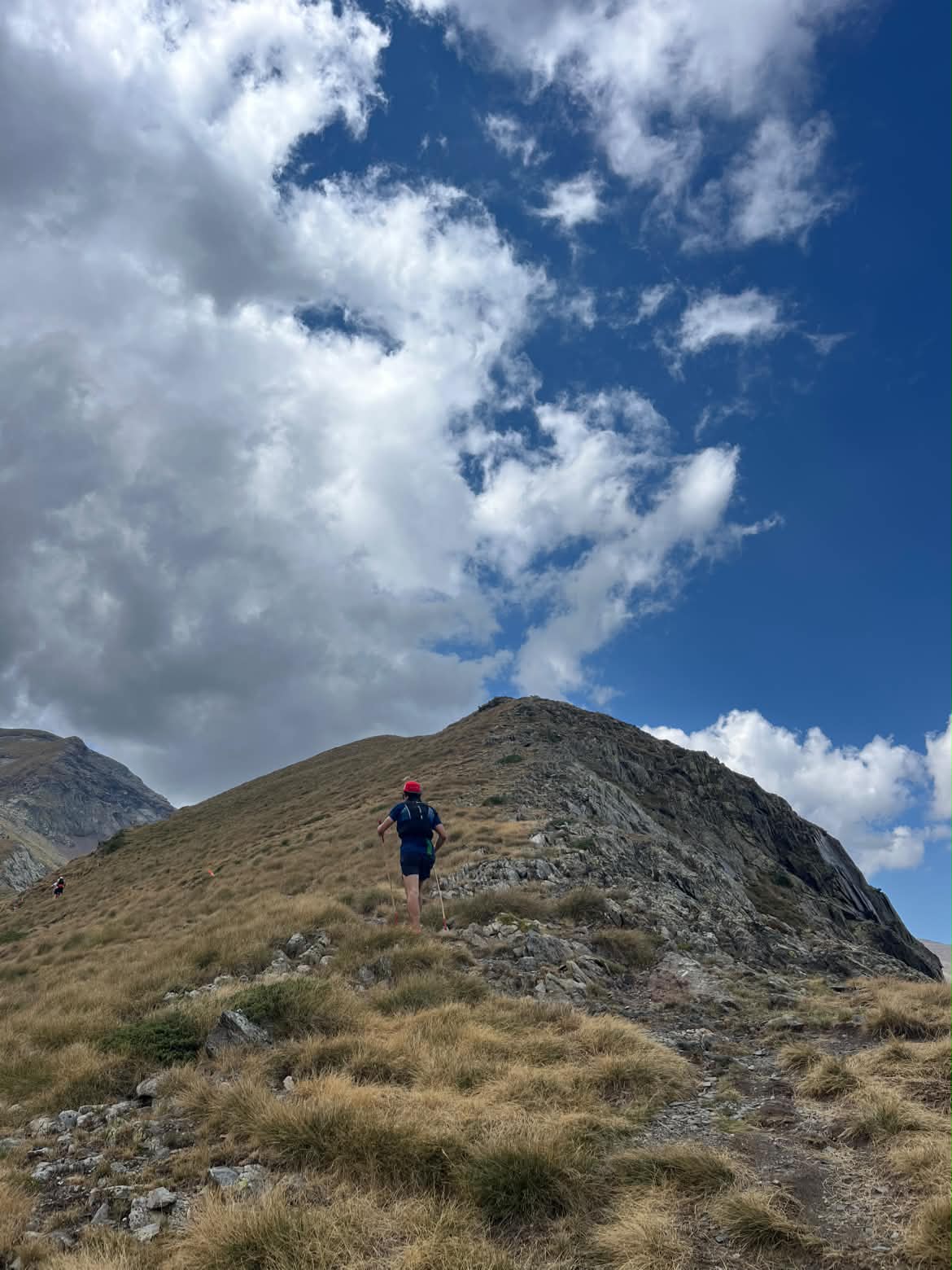
Facebook photos
Your outing albums from before Instagram are sleeping on Facebook.
The first trek, outings with friends ten years ago, the "Summer 2014" album: it is all still on Facebook. Download those photos in one file, drop it on AdvenBook, and each one joins the outing from the same day.
The preview is free, no card needed.
An online album gets forgotten. A book gets reopened.
Download your Facebook photos
- 1In Facebook, open the menu, then "Settings & privacy" and "Settings".
- 2Open "Accounts Center", then "Your information and permissions" and "Export your information".
- 3Tap "Create export", choose your Facebook profile, then "Export to device".
- 4In the information to export, keep posts (your photos and albums). Choose "All time", the JSON format and "High" media quality, then start the export.
- 5When Facebook emails you, download the .zip file and drop it here as it is.
Menu names vary a little between versions. For a large account, Facebook may split the export into several files: drop them one by one, nothing is added twice.
Why get your photos out of Facebook
Facebook keeps your photos, but not to show them to you:
Forgotten albums
Hundreds of outing photos, filed away years ago, that nobody looks at anymore.
A fragile account
A hacked account, a forgotten password, a disabled account: the albums are there, just not for you.
Without the outing around them
A summit photo with no track, no climbing, no date of the day.
Meta does not let apps read the photos of a personal account, so we go through the export, which anyone can do from Accounts Center. The file is read on your device.
What each photo becomes
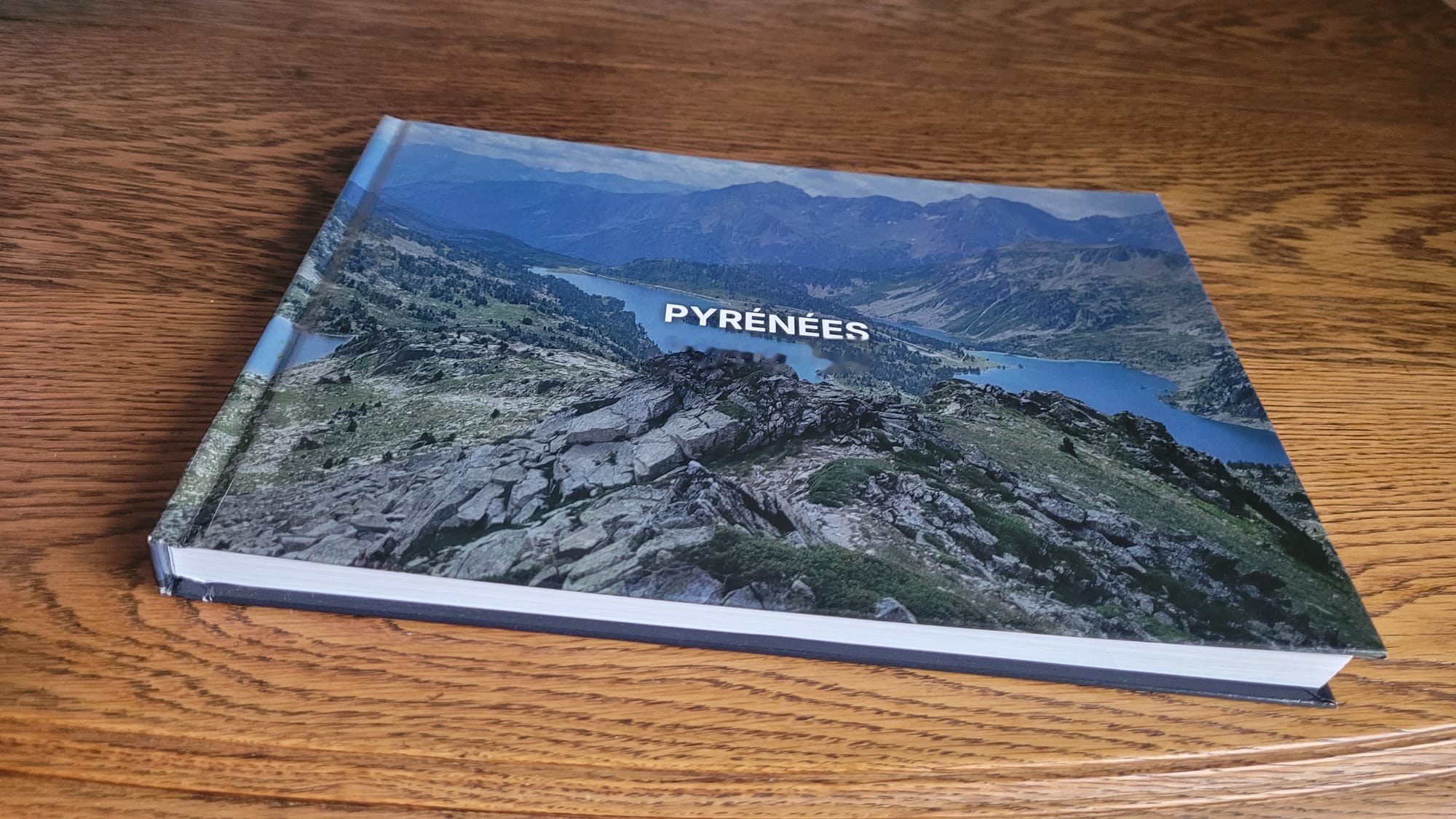
- With the right outing
- It joins the outing from the same day: the route map, the profile, the distance, the climbing.
- With its neighbours
- Your Facebook photos next to those from Instagram, WhatsApp and your phone.
- Chosen by you
- You tick which outings get their photos. Nothing is posted, nothing is shared.
- Nobody can delete it
- No account, no password. The book sits on your shelf.
In 3 steps
- 1
Import your outings
Strava, Garmin or GPX, even old ones.
- 2
Drop your Facebook file
"Import" then "Facebook photos": each photo joins the outing from the same day.
- 3
Check the preview
Free, page by page. Only order if you like it.
From €39 as a notebook, €45 as a hardcover. Free delivery to over 190 countries.
Proud or refunded, and you keep the book (30 days).
Frequently asked questions
How do I download all my Facebook photos?
In Facebook: menu, "Settings & privacy", "Settings", "Accounts Center", "Your information and permissions", "Export your information", "Create export", your profile, "Export to device". Keep posts, choose "All time", the JSON format and "High" quality. Facebook sends you a .zip file.
Why doesn't AdvenBook connect directly to Facebook?
Meta does not let apps read the photos of a personal account. The export file is the way that works for everyone, and it is read on your device: only the photos you choose are uploaded.
How do photos find the right outing?
By their date. When Facebook kept the shooting date, it is used; otherwise it is the posting date, and a photo posted one to three days after an outing is suggested for you to check.
My export came in several files, is that a problem?
No. For a large account, Facebook splits the export. Drop the files one by one: a photo already added is never added twice.
Is AdvenBook linked to Facebook?
No. AdvenBook is an independent service that reads the file Facebook lets you download. Facebook is a trademark of Meta Platforms, Inc.